 Basic Export
| Easy-Recruiter v2.x |
| Basic Export
|
Easy-Recruiter includes three Basic Export features that can be used to extra the information stored in your system for use in other applications. A Basic Export is a process that creates a simple flat file that contains data for given type of contact (Athlete, Schools, or Coaches).
The file created by a Basic Export process can be a formatted as a comma separated text file (*.CSV or *.TXT file names), a DBF table, or a Microsoft Excel™ spreadsheet. These files contain a specific list of fields in a given order for the type of contact you are exporting.
For additional instructions on running Basic Export processes see:
Using Basic Export Features
 Toolbar button on the Athlete Pane, Schools Pane, or the List of Coaches shown in various places.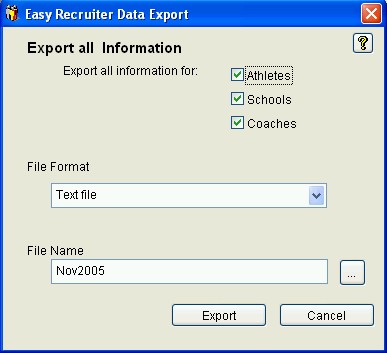
See also:
| Last Updated: 11/14/04 |