| Easy-Recruiter v2.x |
 Adding HS Coaches Adding HS Coaches
|
To Add Coaches:
- Select the Settings Icon from the Task Bar.
- Select the Coaches Tab, directly under the Settings heading.
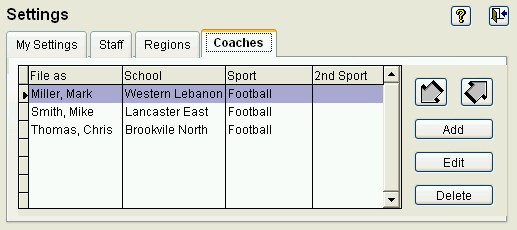
- Then select the Add Button.
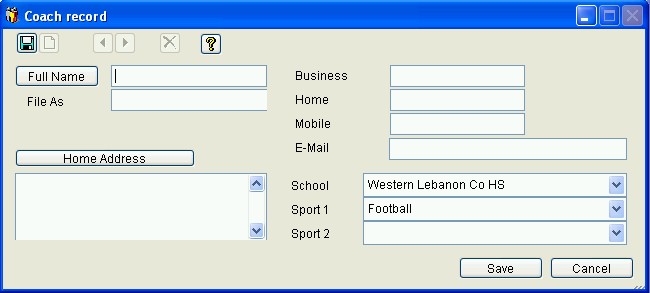
- Add necessary information into the dialog box and select the Save Button.
See also: